
InVentry is the most trusted site access and visitor management system available, designed with and for educational clients. Their fully-equipped, MIS compatible touch screen system allows you to accurately monitor who is in your school at any one time, with all information securely encrypted to a central database.
If you need a visitor management system that speeds up the sign-in process, keeps all information secure, and leaves you feeling confident that your students are safe, InVentry is the solution for you.
With optional modules to allow the creation of staff ID badges with barcodes to speed up the sign-in and out process to a synchronised iPad/iPhone App for external registration in the event of a fire, InVentry can provide you with a comprehensive and cohesive approach to safeguarding your school.
The InVentry visitor entry system has paid dividends in terms of safeguarding, Ofsted inspectors loved it
St. John Fisher Catholic High School, Dewsbury.
Have a query about your system?
Once you’ve got InVentry, you’ll have access to their Support Portal and Live Chat if you have queries or problems.
Their Support Portal holds lots of articles and guides on each of the InVentry system features. They’ve also made it easy to search and navigate around the portal. While InVentry’s live chat is available Monday – Friday, 8:30 – 17:00 and enables you to chat to a support agent in real time.
Key features of InVentry
- 20” Touch Screen Monitor – A robust, attractive touch-screen with an integrated webcam as well as customisable front screen & widgets.
- Multiple Entry Points – For sites with more than one staff entrance point, These systems will synchronise with your central database.
- DBS & Safeguarding Module – Serves as your single central record of DBS checks for staff and visitors. Manage when checks are due to expire and need to be completed.
- Languages – Automated translation to any world language and custom questions are automatically translated without user interaction.
- Visitor Pass System – Multiple badge options for visitors, including thermal and colour passes.
- Swipe Options – Fully customisable ID badges for staff. Swipe technology available includes; Paxton, MiFare, HID, UPC, barcode and QR code.
- Email Staff Notification – Notifies staff when a visitor has arrived by email and/or SMS text message.
- Events Management – Ability to pre-book visitors into school events, such as parents’ evening or meetings. You can even create customisied email invites with the invitation builder.
- Facial Recognition – The facial recognition feature recognises visitors that have previously been on site to speed up the sign in process.
- Full Installation Service – InVentry certified technicians will install the system and configure the software to suit your needs. Staff will also be given a complete training session.
- Multi Academy Trust Functionality – Allows Trust employees to travel across multiple sites using the same ID. Trust-wide reporting allows the generation of personnel reports across multiple sites.
InVentry Anywhere
InVentry Anywhere is available on all mobile devices. With InVentry Anywhere, members of staff can remotely sign into your establishment directly from their device, eliminating the need for them to use the Reception Console or Barcode Scanner.
The InVentry Anywhere functionality also includes the Fire App, which allows you to instantly produce a roll call of everyone on-site, including staff, visitors and students.
MIS Integration
The SIMS Integration Module ensures seamless integration between your InVentry System and MIS database. Any changes that are made in your MIS database will be reflected within InVentry, meaning you only need to make the changes in one system.
- When using the InVentry Student Module, the InVentry system will integrate with your MIS Attendance Module
- For any students arriving late; InVentry will record the reason, time, and minutes late, before writing the data into your attendance module
- Saves valuable time normally spent updating your attendance from the ‘late list’
- Any additions to Staff or Students will be automatically imported to InVentry
InVentry Videos
Paxton
Solution
Visitor Management
and Calendar Invites
InVentry
Anywhere
InVentry Personnel
Records
InVentry Writing
Late Marks
InVentry Brochures


InVentry Audit & Compliance delivers fast and cost effective solutions for tracking assets in your school.
This InVentry overview will highlight the system’s key features, designed to keep your Infants & Juniors safe.
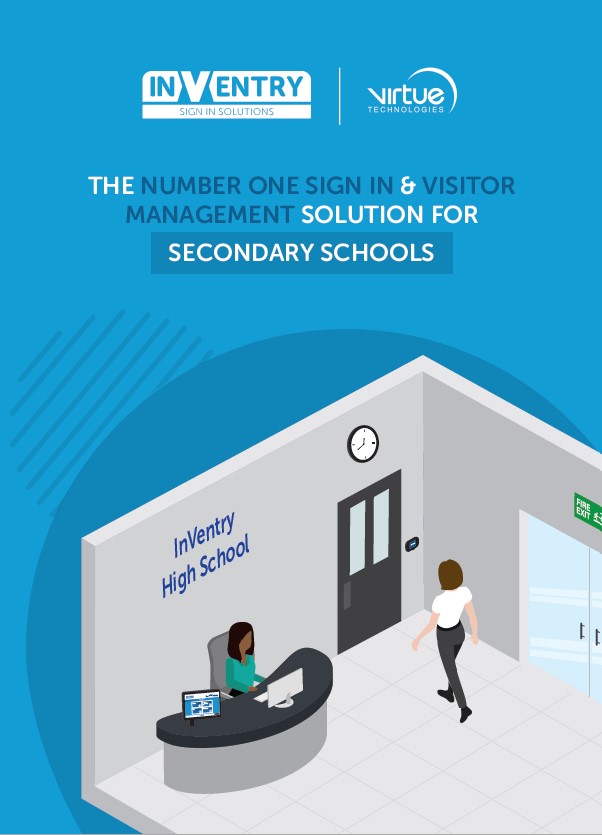
Take a look at the features of InVentry and the ways they’ve been specifically designed to benefit your High School.
Paxton Access Control
Paxton’s access control allows your students and staff to move about the building freely with peace of mind that the site is secure. Keep restricted areas like offices and staff rooms locked to only those personnel with the designated access rights. With over 30 years of experience dedicated to designing market-leading security solutions for a range of buildings, with Paxton you can be assured of your school’s security.
Integrate InVentry with Paxton Net 2 to improve and simplify your sign in process. Use P50 door access readers to secure the door, increase staff entrance points and reduce unnecessary travel time. Remove the admin burden of Paxton database management by auto synchronisation; disabling Paxton access when a user is removed from InVentry/Active directory.
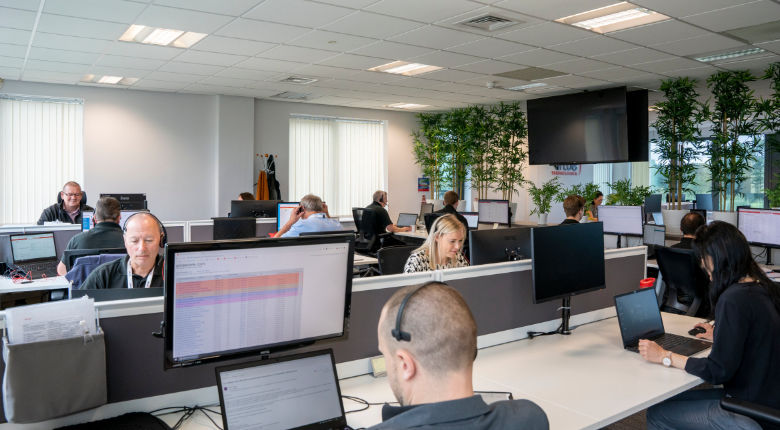
Speak to the team today
Our Account Managers are here to help. If you know what the problem is, and need someone to help you find the solution, we can offer guidance and advice.
Get in TouchRelated case studies
Read some of the challenges we've helped our customers overcome

Bury Grammar School, North West
Solutions provided:
Productivity Tools
After providing support for Bury Grammar since 2017 and working with them on other projects, they approached us to create a multi-building sign-in solution with them that would help them control the security of their 25 acre site.
Download the case study